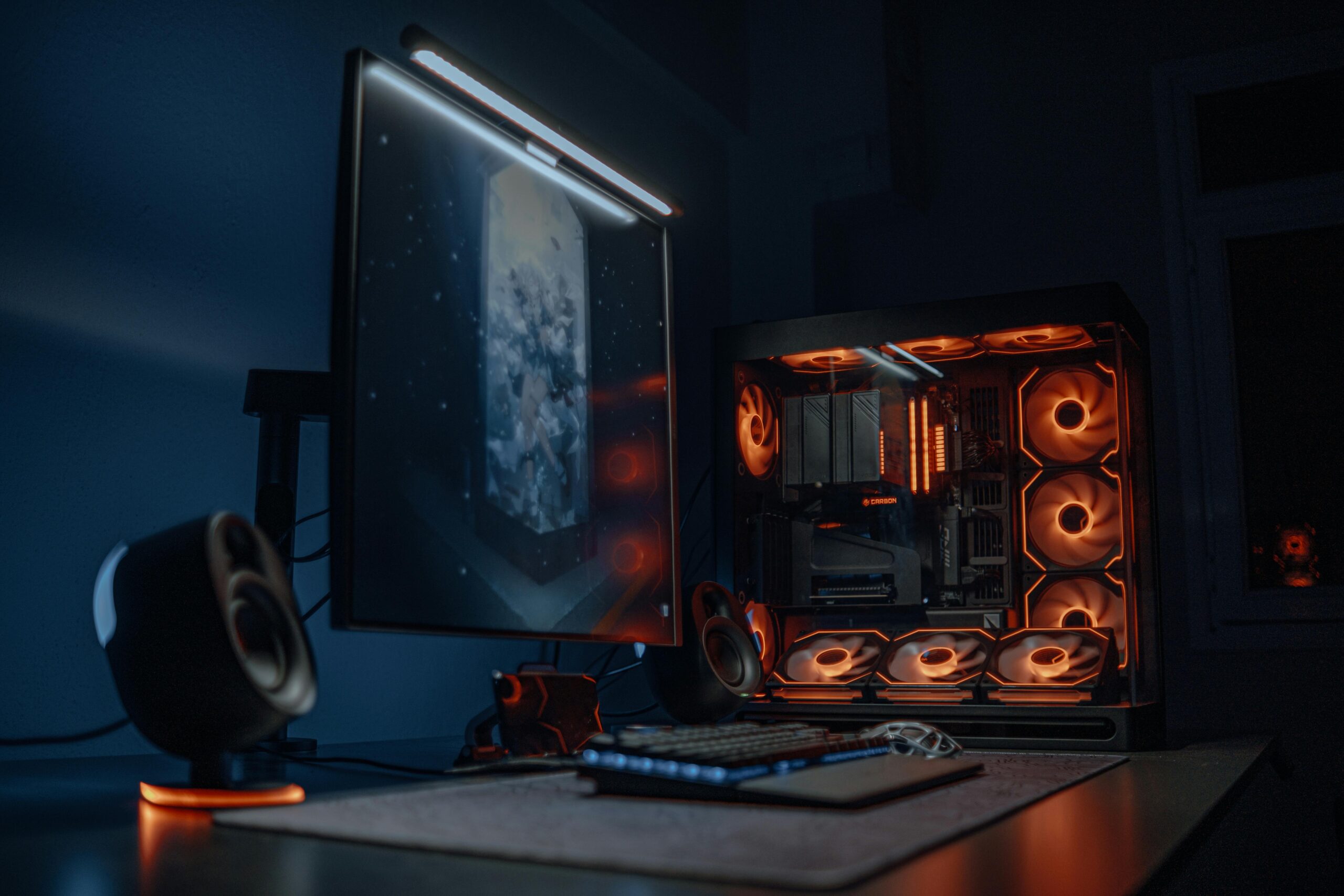
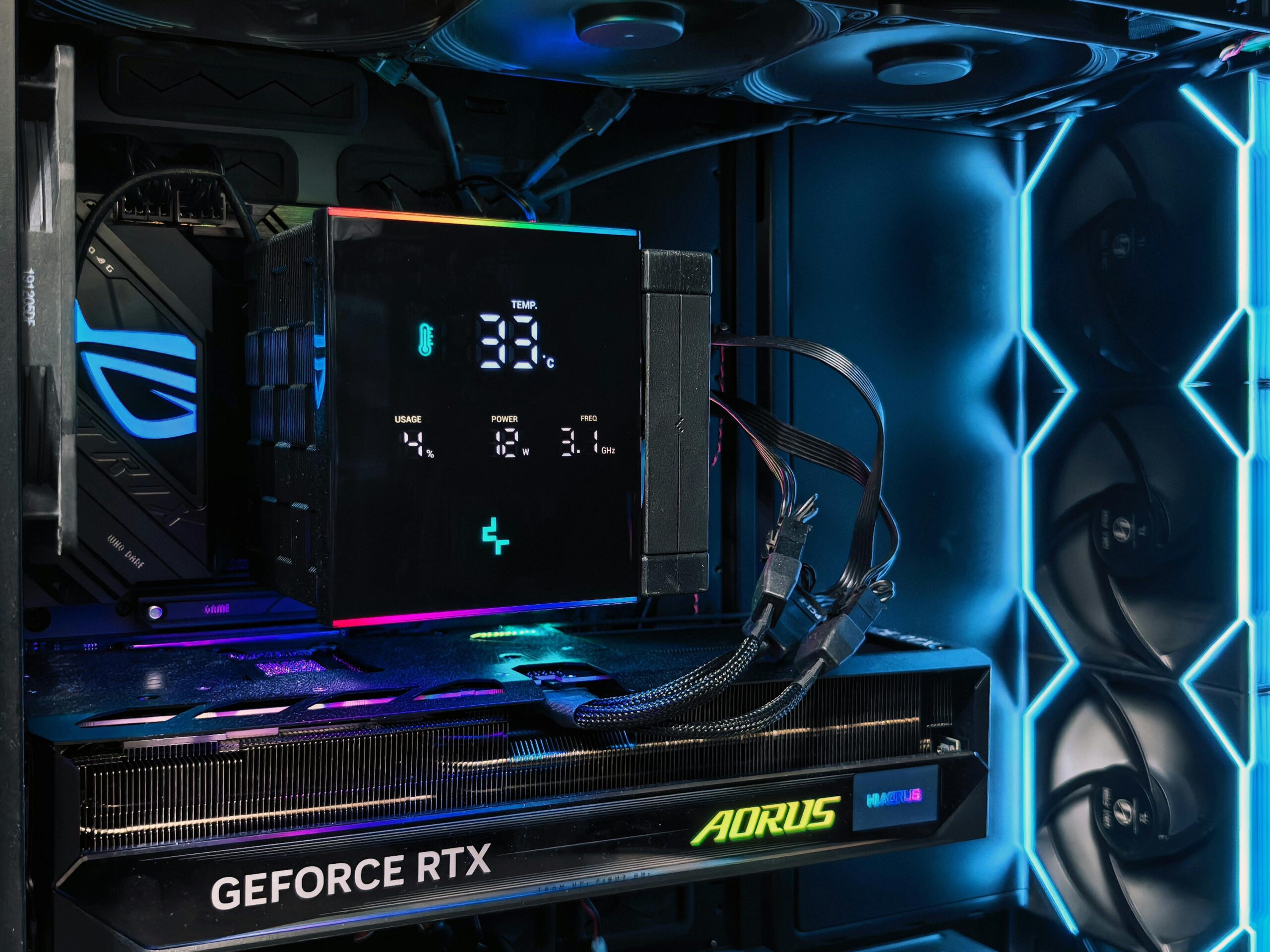
There are chances that the PC Components will rise in prices till the end of 2025. And building a custom PC is always cost effective as compared to buying a Pre-Built PC. Today we are going to go through a Budget PC Build of Rs 1.3 Lakhs. This PC build can be used for Unreal Engine 5 and across a wide range of most popular Gaming titles as well. I will go through all the components of choice and give reasons for selection.
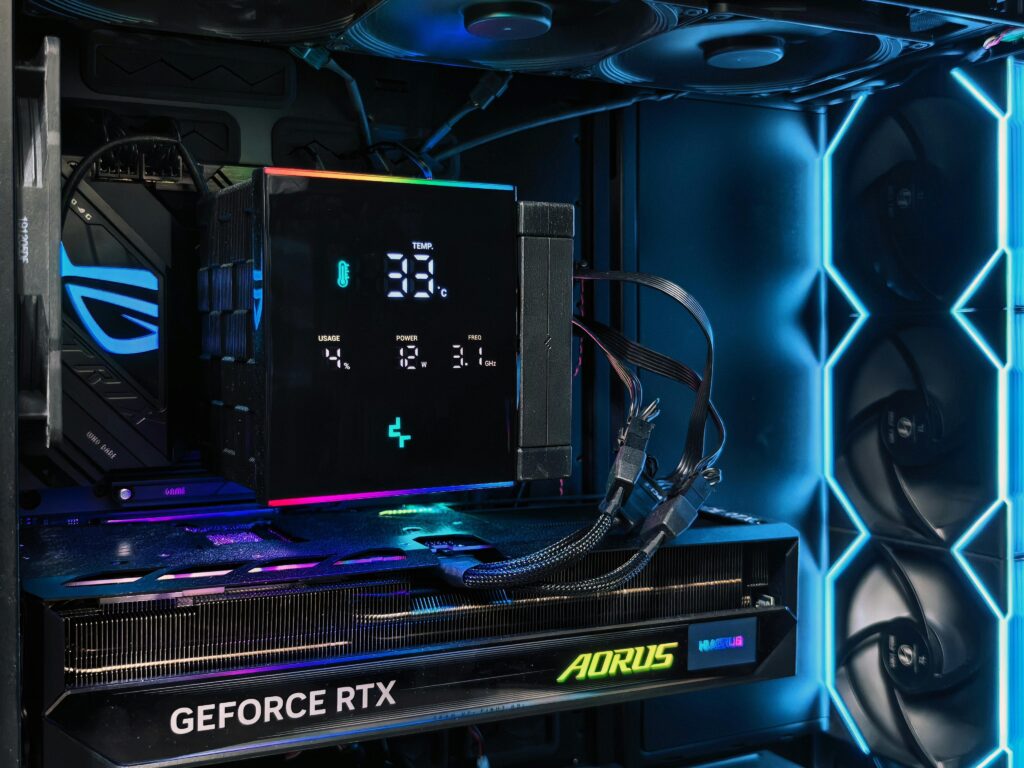
Productivity Build involves Photo Editing, Video Editing, 3D Rendering or any sort of work that will stress the CPU, so the choices of the components is going to slightly different then the usual Gaming PC Builds as a Processor with more cores will be beneficial.
Below I have added my affiliate links for the product, if you buy from those links I will earn commission but it wont charge you anything extra. Also compare other websites for best prices.
PROCESSOR: Intel® CoreTM i5-14600K
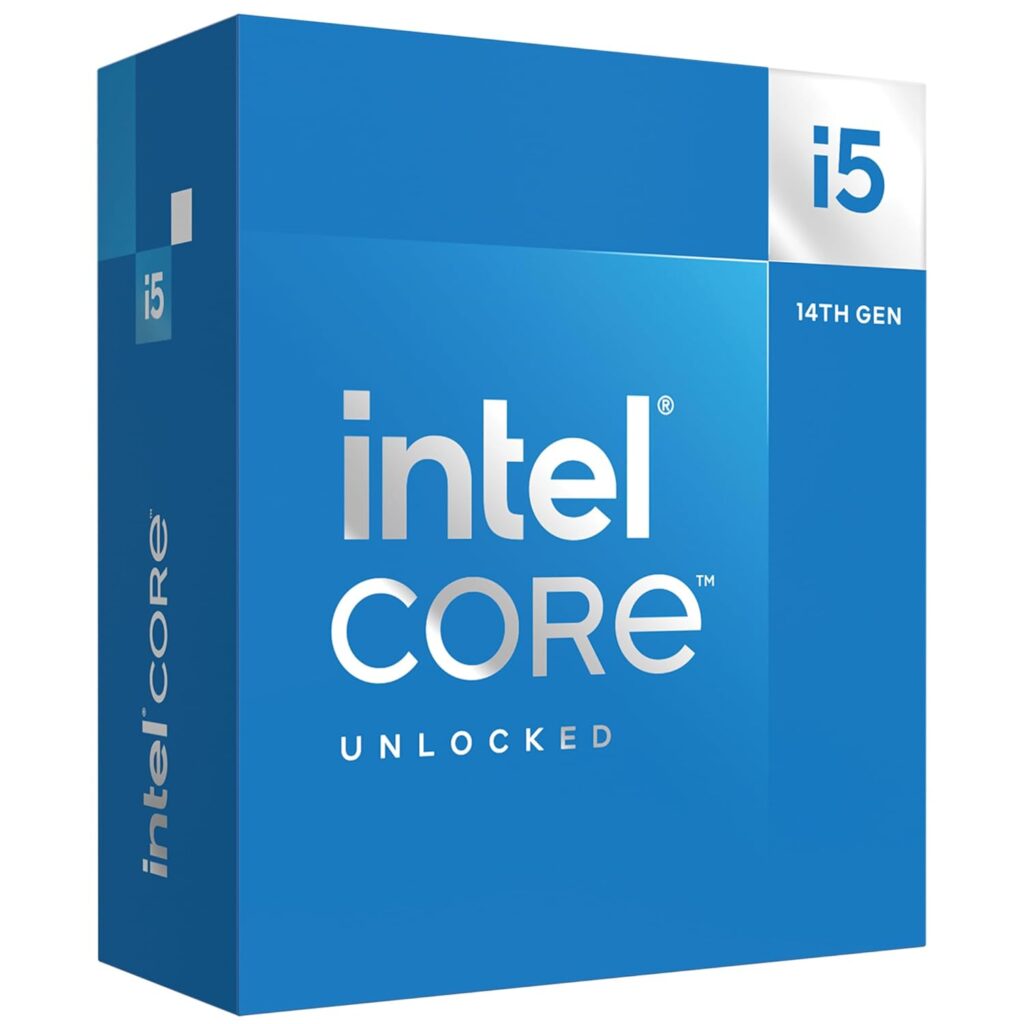
A 14-core Processor will provide a good balance between performance and cost and great for productivity workload. Its considered as an excellent value CPU, which does all task quite fast. While some high-end games can utilize 14 cores effectively, most games, especially at 1080p or 1440p, will run smoothly on this CPU. If you’re a competitive gamer or plan to stream while playing, a 14 core CPU might offer some benefits. And more the core count the better, but will also increase the cost of the PC BUILD.
-
- 14 Cores, 20 Threads @3.5GHz, Raptor Lake
-
- The overall thermals are improved on the 14th gen due to the higher quality silicon.
-
- Its considered as an excellent value, gaming/workstation powerhouse CPU.
Graphics Card: ZOTAC Gaming Geforce RTX 5060 Ti Twin Edge Graphics Card – Black | 16 GB | DLSS 4 | GDDR7
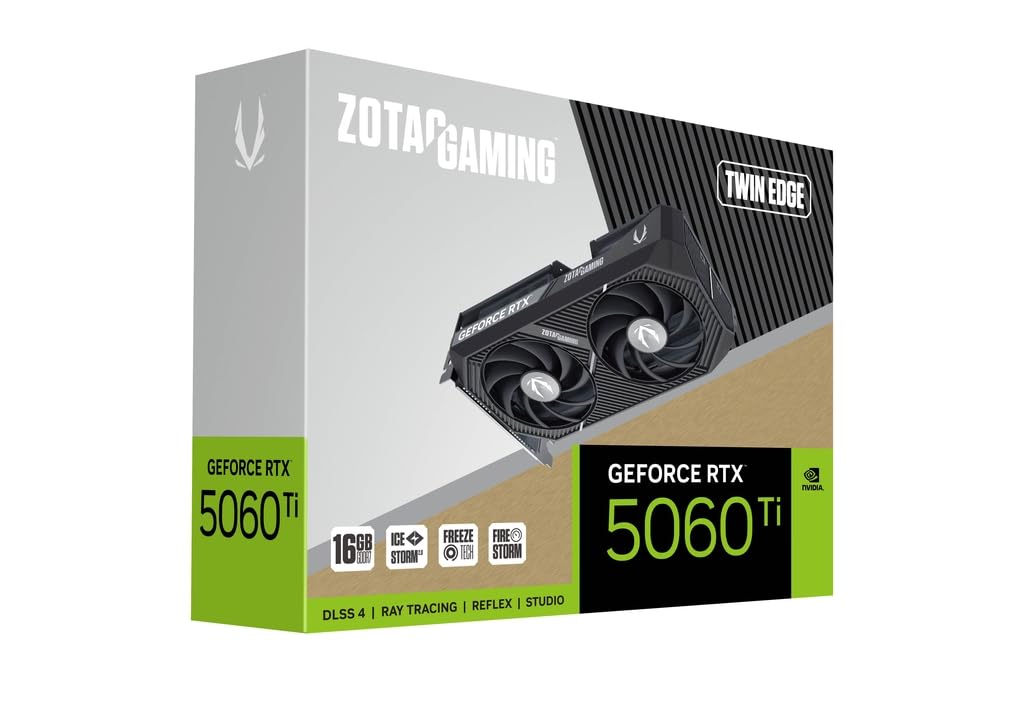
So all said and done the choice of GPU for this Gaming PC Build is going to be RTX 5060 TI 16GB version. I would not recommend going for the 8Gb version for a Productivity Build or Content Creator or 3D Artist, as the extra VRAM does come in handy.
-
- 16GB DDR7, 128-bit
-
- 4608 Cuda Cores
-
- Boost Clock 2572 MHZ
-
- Recommended PSU 650W
-
- DLSS 4 with Multi Frame Generation, Enhanced Image quality and Nvidia Reflex helps make the gameplay more responsive.
-
- RTX cards are generally preferred for their robust support for productivity applications.
MOTHERBOARD: MSI B760 Gaming Plus WiFi Motherboard, ATX
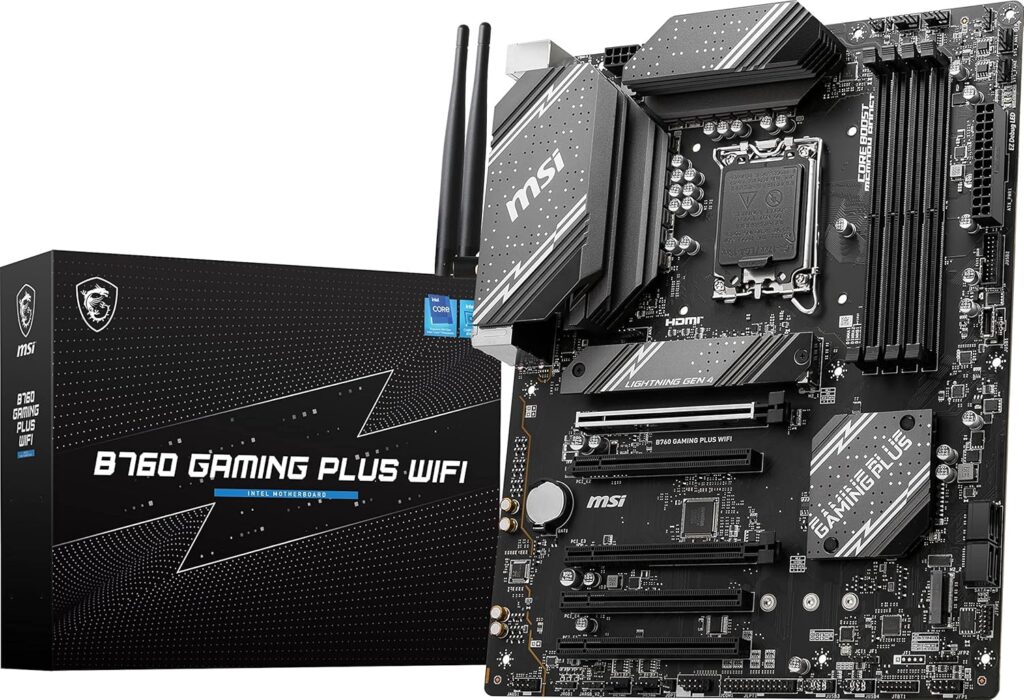
I have selected MSI B760 Gaming Plus WiFi Motherboard, ATX which has some nice features. Motherboard selecting requirements for the current build was to have LGA 1700 socket for the Processor as this motherboard supports 14th/13th/12th Gen Intel Core Processors. It also has DDR5 Memory Boost 6800+MHz/OC, 2 x PCIe 4.0 x16, 2 x M.2 Gen4, 2.5G LAN. The Rare IO is also great and includes an Intel Wi-Fi 6E module with Bluetooth 5.3 & 2.5Gbps LAN; Rear ports include USB 3.2 Gen 2 Type-C & Type-A (10Gbps), HDMI 2.1 & DisplayPort 1.4, and 7.1 HD Audio with Audio Boost (supports S/PDIF output).
Final RIG for Best Gaming PC Build JULY 2025: 1440p Gaming:
| Component | Model/Specification | Price (₹) |
| CPU | Intel® CoreTM i5-14600K | 24,700 |
| GPU | ZOTAC Pci_E_X8 Gaming Geforce RTX 5060 Ti Twin Edge Graphics Card – Black | 16 GB | DLSS 4 | 51,700 |
| Motherboard | MSI B760 Gaming Plus WiFi Motherboard, ATX | 19,000 |
| RAM | TeamGroup T-Create Expert 2x16GB 6000MHz (6000MT/s) CL30 White 32GB DDR5 RAM Kit | 10,500 |
| Storage | Samsung 990 EVO Plus SSD 1TB, PCIe Gen 4×4, Gen 5×2 M.2 2280, Speeds Up-to 7,150 MB/s | 8,300 |
| PSU | MSI MAG A750GL PCIE5 Power Supply Unit, 750W, 80 Plus Gold | 9,800 |
| CPU Cooler | Cooler Master ML240L Core CPU Liquid Cooler | 5,300 |
| Case | Ant Esports ICE- 112 Mid- Tower Computer Case/Gaming Cabinet | 3,350 |
| Total | 1,32,650 |
Performance: 1440p
-
- 3Dmark : 135+ FPS
-
- Call Of Duty Warzone: 180+ FPS
-
- GOW Ragnarök: 80+ FPS
-
- The Last OF US: 80+ FPS
-
- RDR2: 50+ FPS
-
- Black Myth Wukong: 60 FPS
Cost Cutting and Improvement options:
There is always room for Improvement or Cost Cutting in a PC Build which of course depends on one Budget what you are trying to spend and the type of productivity workload one is going to do.
Cost cutting:
| Component | Model/Specification | Price (₹) |
| CPU | Intel Core i5-14400F Desktop Processor 10 cores | 16,500 |
| GPU | ASUS Prime Radeon RX 9060 XT 16GB GDDR6 OC Edition | 49,000 |
| Motherboard | MSI B760M Gaming WiFi Motherboard, mATX | 12,500 |
Improvement Options:
| Component | Model/Specification | Price (₹) |
| CPU | Intel® Core™ i7-14700K | 33,700 |
| GPU | ZOTAC Gaming GeForce RTX 5070 Ti Solid SFF Graphics Card – Black | 16 GB | DLSS 4 | GDDR7 | 89,990 |
| Motherboard | MSI PRO Z790-S WiFi Motherboard, ATX | 20,200 |
| CPU Cooler | MSI MAG CORELIQUID A13 240 AIO CPU Liquid Cooler | 6,000 |
Building a Budget Productivity PC in September 2025 doesn’t have to break the bank—you can still get reliable performance, smooth multitasking, and plenty of room to grow without overspending. This build strikes the perfect balance between value and efficiency, making it an excellent choice for students, professionals, and creators who want to get more done for less. With smart component choices and an easy upgrade path, this PC is built not just for today’s tasks but also for tomorrow’s needs.